Create Interactive Home Magazines
Home magazines become immersive design experiences when readers can click directly from room showcases to purchase featured furniture, watch interior decorating tutorials embedded within articles, and explore shoppable hotspots that connect inspiration to acquisition. Upload your home design PDF to Issuu and strategically place interactive elements that allow readers to view before-and-after renovation videos, access contractor directories, or browse product catalogs without leaving your magazine pages. Build your interior design audience by gating premium content such as detailed floor plans, exclusive designer interviews, or seasonal decorating guides behind lead capture forms that identify homeowners actively planning renovation projects.
Convert your Home Magazine now
 Drag & Drop
Popular Home Magazines


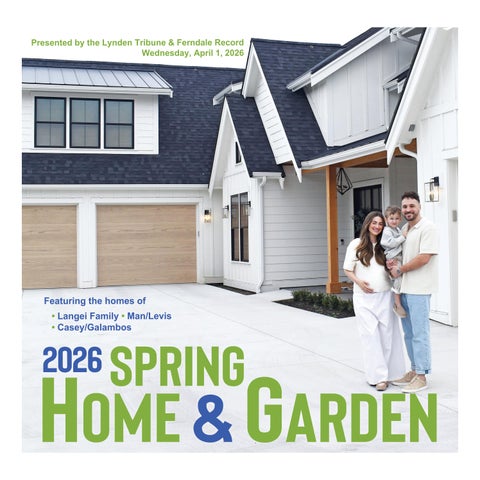
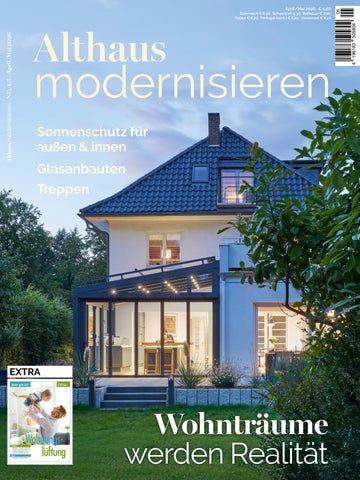 €4.60
€4.60


Frequently asked questions
Here's a quick list of commonly asked questions about Issuu
How do I add shoppable links to furniture and decor items in my home magazine?
After uploading your home magazine PDF to Issuu, you can add interactive hotspots directly onto any furniture piece or decor item shown in your pages. These hotspots can link to product pages, retailer websites, or shopping carts, allowing readers to purchase items they see featured in your room designs. You can also create links that direct readers to furniture catalogs, price comparison sites, or local showroom locations.
Can I embed home renovation videos directly into my magazine pages?
Yes, Issuu allows you to embed videos directly into your home magazine pages through interactive hotspots. You can add renovation tutorials, before-and-after transformations, DIY instruction videos, or designer interviews that play without readers leaving your magazine. This creates an engaging experience where readers can see both the finished room design and watch the process behind creating it.
What types of interactive elements work best for home design magazines?
Home magazines benefit most from shoppable hotspots on furniture and decor items, embedded room tour videos, and links to contractor directories or design services. You can also add interactive floor plans, 360-degree room views, and links to paint color selectors or design calculators. Consider linking room inspiration photos to detailed product specifications, pricing information, or local retailer locations.
How can I track which home design ideas and products generate the most interest?
Issuu's analytics dashboard shows you which pages readers spend the most time on, which interactive hotspots get clicked, and which embedded videos are watched most frequently. You can see geographic data to understand where your audience is located and track which specific furniture pieces, room designs, or renovation videos drive the highest engagement. This data helps you create more targeted content and understand which home design trends resonate with your readers.